
- Runs
- DesignTree's mail server
- Accounts
- Issued by an administrator. No public sign-up.
- Roles
- Admin, developer, operator, client
- Pages
- 12, each limited by role
What it is
The address opens straight on a sign-in page that states access is for authorised users only and that activity is logged. Behind it is a single place to look after the mail server. Aware staff see the whole server and can change it. A client sees only the mailboxes granted to their account and can monitor them without changing anything.
Every page, and who sees it
Four roles. Admins and developers see the whole server and change it. Operators manage mail collection for the mailboxes granted to them while the subscription is active. Clients see only their granted mailboxes, read-only. "Fetchmail" is the mail collection that pulls outside mailboxes into this server.
| Page | Who sees it | What it does |
|---|---|---|
| Home | Everyone | Landing page with links to the sections the account may use. |
| Fetchmail Console | Everyone | Search the mail-collection entries: which outside mailbox is pulled into which mailbox on this server. |
| Quota Console | Everyone | Storage used against the limit for each mailbox. |
| Subscription | Clients, operators | Status of the monthly subscription, with payment by UPI QR code. |
| Fetchmail Management | Admins, operators | Add, edit and delete mail-collection entries. Many mailboxes can be pasted in at once. |
| User Management | Admins | Create console accounts, set roles and choose which mailboxes each client may see. |
| Mailboxes | Admins | Create and delete real mailboxes on the mail server. Deleting is permanent and requires typing the address to confirm. |
| Billing | Admins | Review pending payments and set or extend subscription periods. |
| Fetchmail Health | Admins | Whether mail collection is running and which mailboxes are failing. |
| Service Health | Admins | State of the mail services and how close the database is to its connection limit. |
| Audit Log | Admins | Record of sign-ins, admin actions and changes. |
| My Account | Everyone | Profile and password change. |
How access is protected
- Accounts are created by an administrator, with a temporary password that must be changed at first sign-in.
- Passwords are stored hashed, never in readable form.
- An account locks for a period after repeated failed sign-ins.
- Sessions end after a period of inactivity.
- Every form that changes something is protected against forged requests.
- Password reset links go to the account's email, work once and expire.
- Sign-ins and changes are written to the audit log.
- Destructive actions, like deleting a mailbox, ask you to type the address to confirm.
Screens
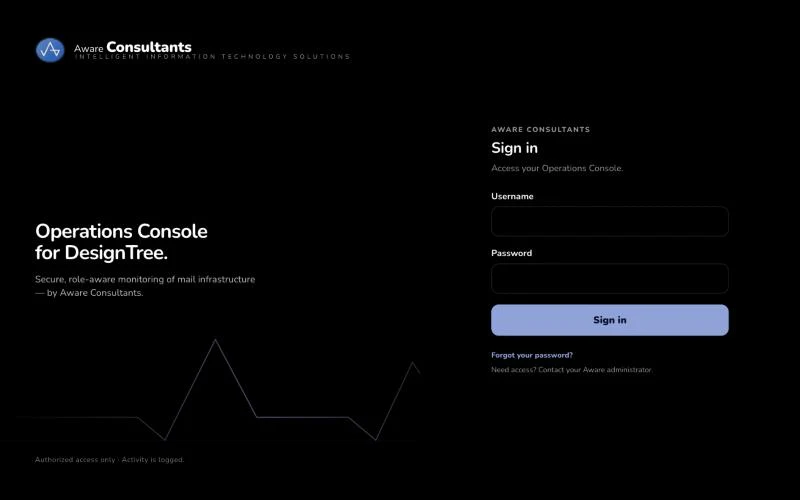
Sign in
Username and password, with a link to password reset. Anyone without an account is told to contact their Aware administrator.
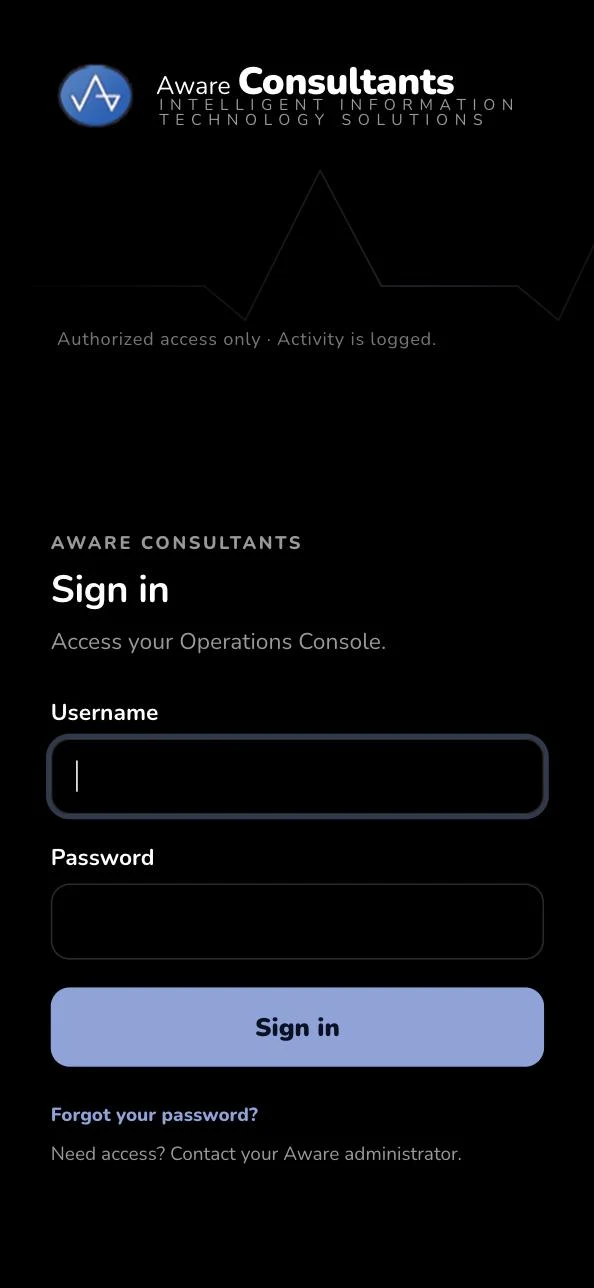
Sign in on a phone
The same page at phone width. The form stacks below the logo.
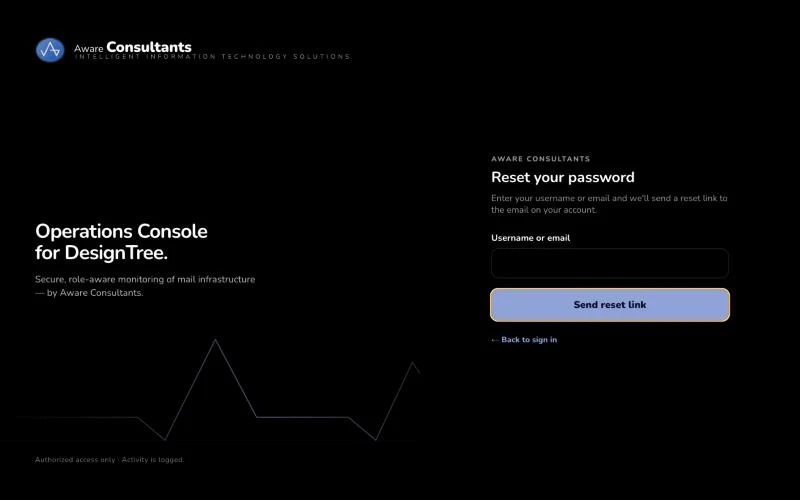
Reset password
Enter a username or email, and a reset link goes to the email on the account. The link works once and expires.
Who does what. Tavra Labs designed and engineered the console. Aware Consultants runs it for DesignTree under their own name.
Is your team running infrastructure from a terminal and a spreadsheet?
A console like this puts the routine work in one place, with roles, limits and a record of every change.
Build with Us →