
- Parts
- Desktop app on each computer, web dashboard for managers
- Account types
- Team, family, or personal (no account needed)
- Sign-up
- Guided five-step setup, self-serve
- Languages
- English and 6+ others
How it works
The desktop app records
It runs on each person's computer and records active time, apps and windows, sites, keystroke counts, screenshots, file and USB activity, and sign-in sessions.
The dashboard reviews
Managers sign in to a web dashboard to see their businesses and rosters, read per-person reports, run timesheets and set the capture policy.
Who it's for
Team owners
Manage employees or freelancers, see who is active today, and review attendance and time recorded.
Just me
One person tracking only themselves needs no account: that mode runs entirely in the desktop app and keeps its data on their own computer.
Parents
Watch children's screen time. Choosing "My family" at sign-up switches the product's wording to suit.
Getting started
The address opens straight on sign-in, with no marketing page in front. From there a visitor can sign in, reset a password, or create an account.
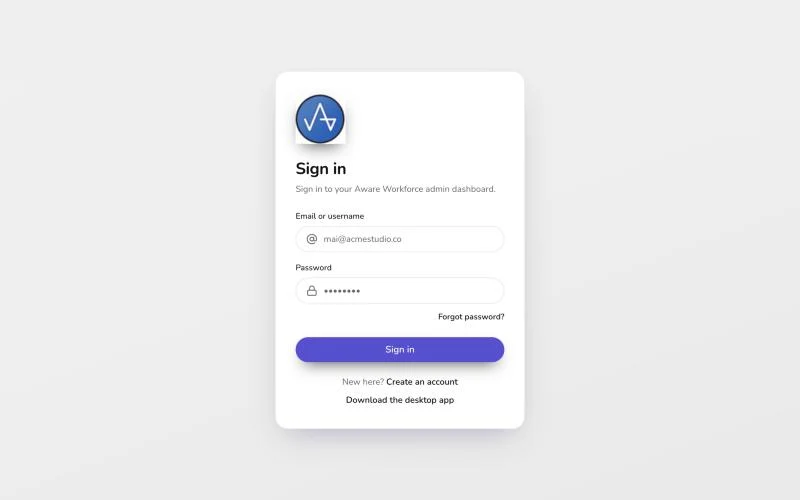
Sign in
Email or username plus password. Links lead to password reset, account creation and the desktop app.
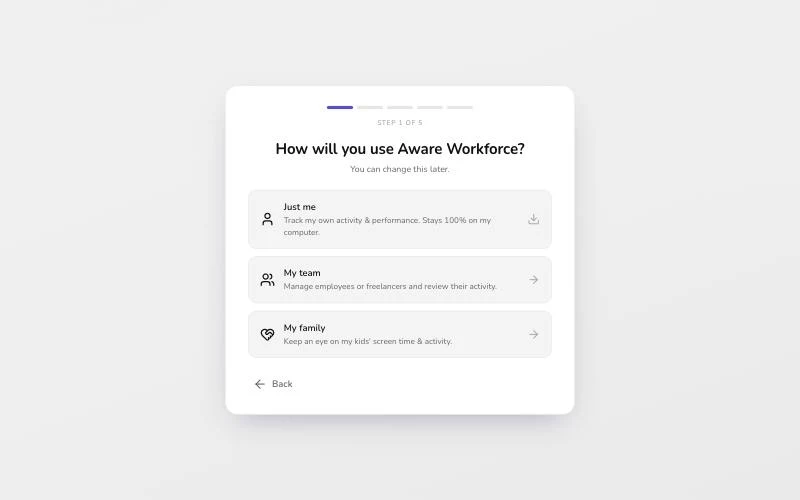
Create an account, step 1 of 5
The visitor picks Just me, My team or My family. The choice sets the wording used in every later step.
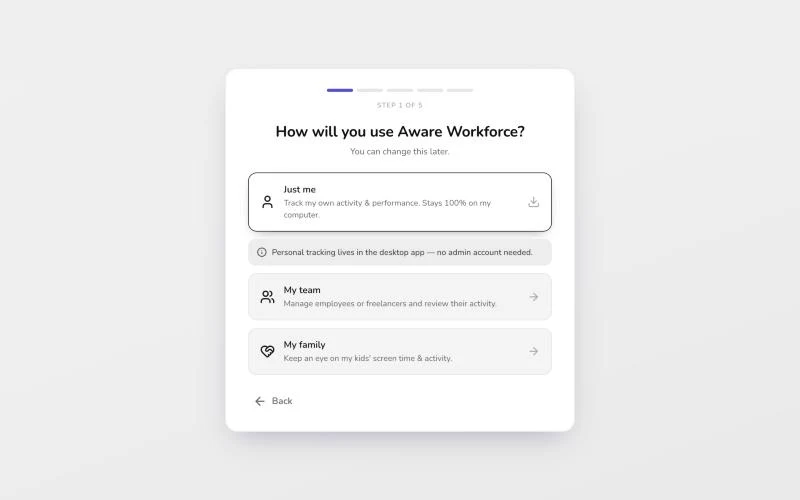
Just me
Choosing this stops the sign-up. A note explains that personal tracking lives in the desktop app and needs no admin account.
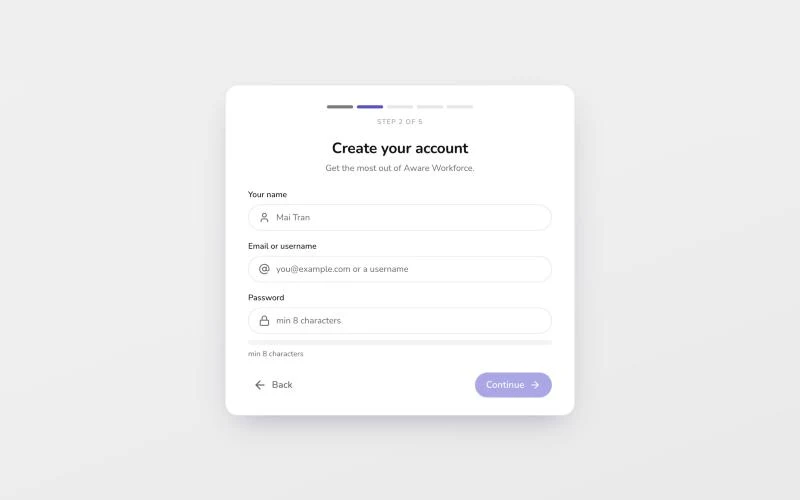
Create an account, step 2 of 5
Name, email or username, and a password of at least 8 characters. The remaining steps name the team or family, add members and start tracking.
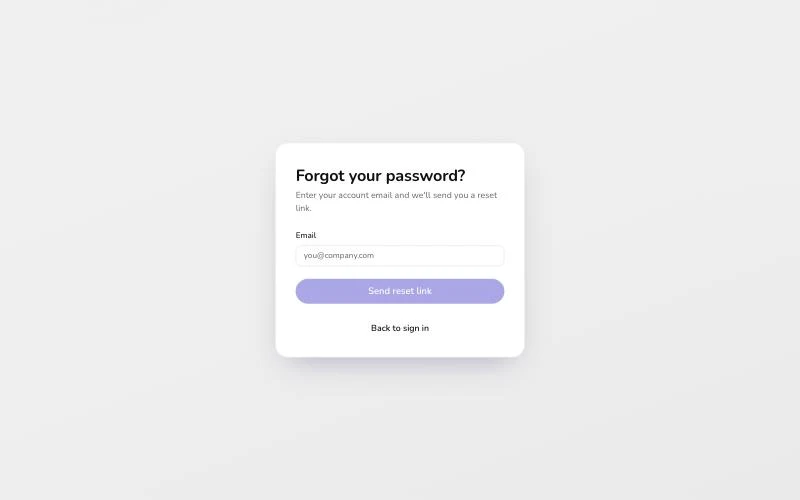
Forgot password
The visitor enters the account email and receives a reset link.
Inside the dashboard
| Page | What it holds |
|---|---|
| Dashboard | Businesses and their rosters, with who is active today, time recorded today, a productivity figure against yesterday, attendance, a 14-day chart of team active hours and a productivity mix. |
| Employees | Add, rename, suspend, reactivate or remove a member, and reset their password. Removing a member deletes everything tracked for them and frees a seat. |
| Employee report | One person over a date range: a timeline, app and window breakdown, sites visited, keystroke volume, captured screenshots and file activity. |
| Timesheet | Recorded time per member. |
| Usage | Where the time goes, in two views: Applications and Websites. |
| Billing | Current plan, seats in use and renewal date. Plans are per seat, paid monthly by UPI QR code. |
| Console | The platform administrator's list of customers. |
| Settings | The capture policy for each business, listed below. |
Its limits, what it records, and what an admin controls
Limits are built in: keystrokes are counted, never stored; chat, password and banking apps are never screenshotted; personal tracking never leaves the person's computer.
The desktop app records
- Active time, paused after a set period with no input
- Applications and window titles in use
- Websites visited
- Keystroke counts through the day. Individual keys are never captured or stored.
- Screenshots at a set interval
- File deletes, renames and moves in watched folders
- USB connections and files copied to USB
- Sign-in sessions, shown as attendance
An admin can set
- Screenshot interval and idle threshold
- Screenshot mode: every screen in full, or only the active window
- A skip list of apps that are never screenshotted, prefilled with chat, password and banking apps
- How long screenshots are kept, plus a manual cleanup
- Which apps and sites count as productive, neutral or unproductive
- Watched folders for file activity
- An address for file and USB alert emails, at most one every 15 minutes
- Whether members may change capture settings on their own device
- A client lock that stops members signing out, pausing tracking or quitting the app
Who does what. Tavra Labs designed and engineered the desktop app and the dashboard. Aware Consultants runs and sells the product under their own name.
Need a product your partner can run and sell?
We built Aware Workforce for Aware Consultants to operate under their own name. Tell us about yours.
Build with Us →